
Microsoft Teams is a popular platform for online meetings and video calls, especially in times of home office and networked working. Fortunately, Microsoft recently announced that a deeper connection between Microsoft Teams and Business Central will be established in the future. Many Microsoft applications are already closely linked to Business Central. Examples include the integration of Office 365 and Power BI. Thanks to the Common Data Service, shared data can be accessed or information can be exchanged easily and without great effort.
We would like to show you here what the integration of Microsoft Teams in Business Central looks like
Currently, the integration of Teams is only available for Business Central Online from the 2nd release wave 2020 and higher or is currently in preview, but this may change in future versions.
Microsoft Teams is connected to business data from Business Central via the Business Central app for Microsoft Teams.
After installing the Business Central app, you have the following options:
- Copy and paste any Business Central record into a Teams conversation and share it with your coworkers.
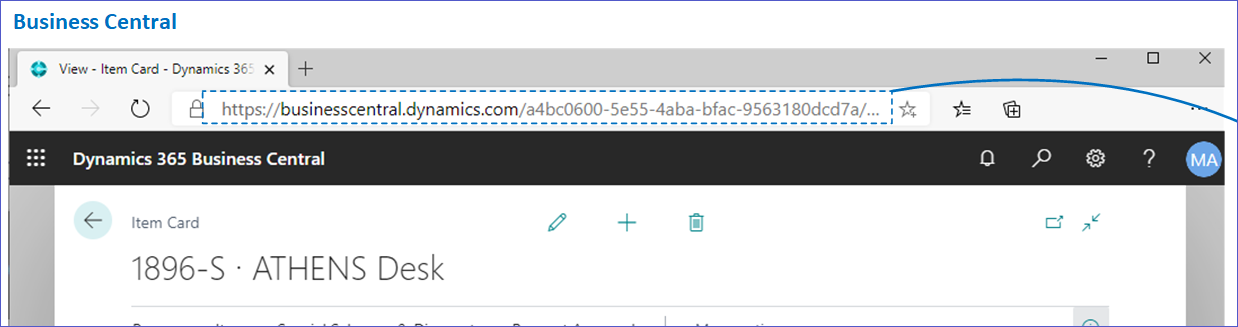
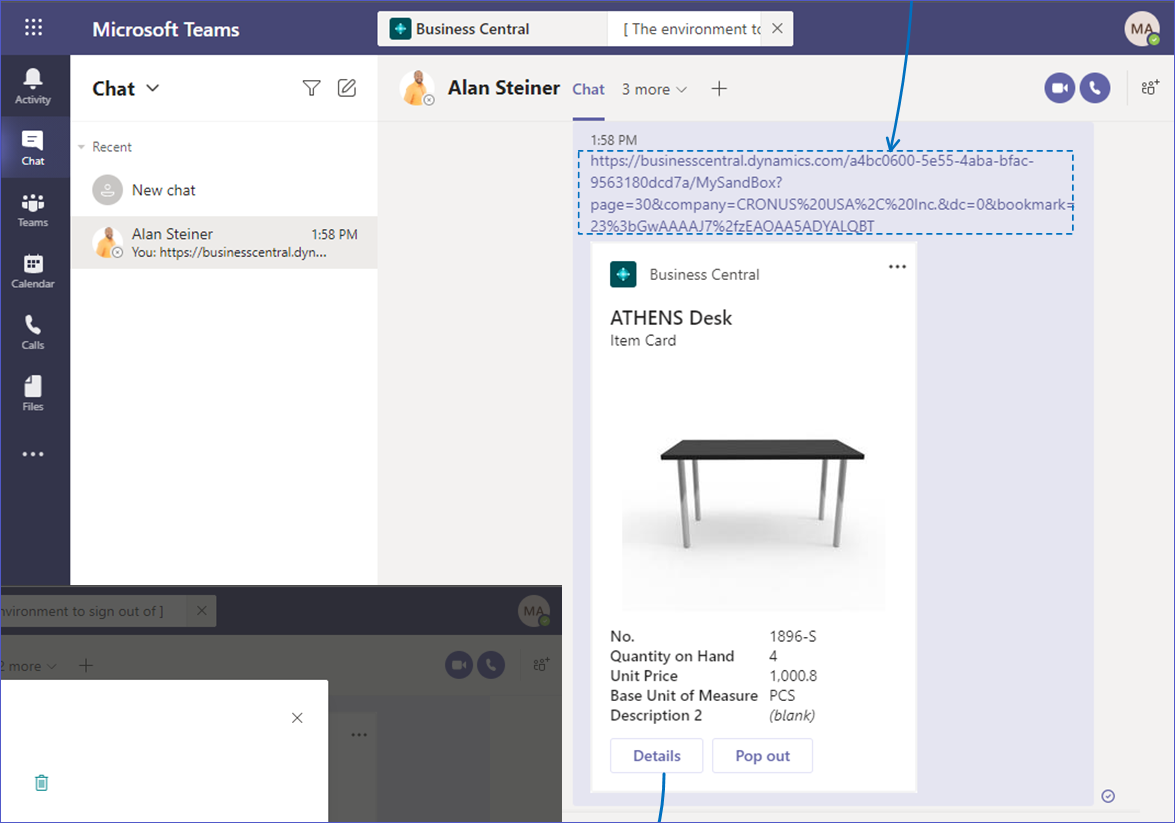
- The link is expanded into a compact, interactive map on which information about the data set is displayed.
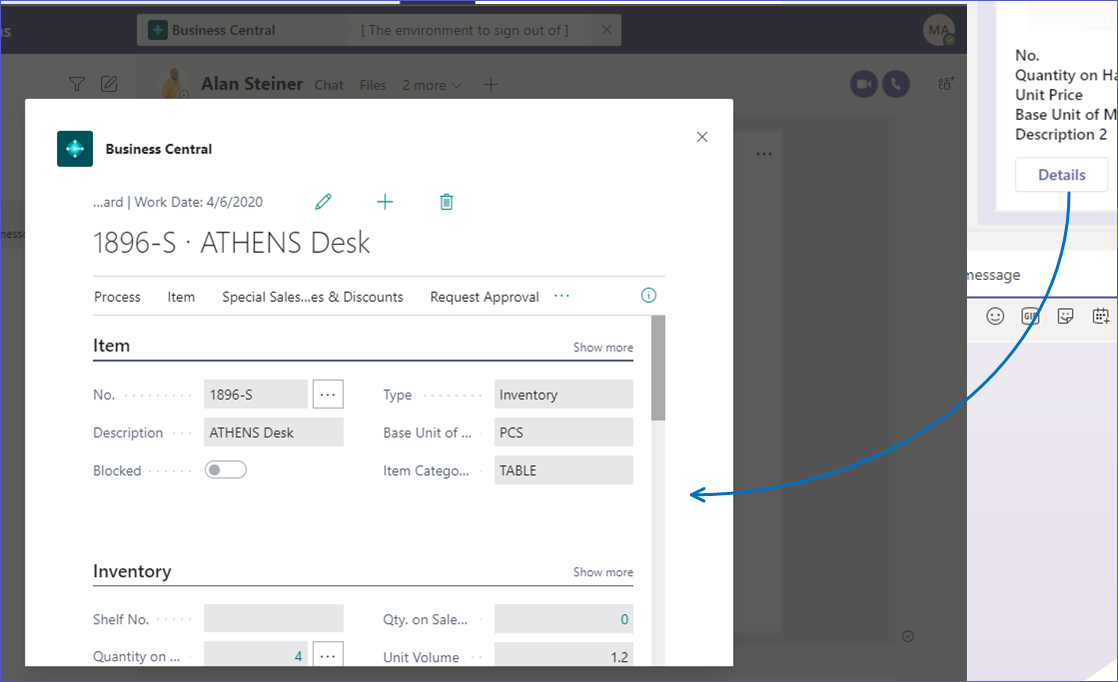
- In a conversation, all participants can view more details about the data set, edit data and take action - without leaving teams. This allows you to quickly share data between team members and respond to requests faster
Do you have questions about Dynamics 365 Business Central?
We will be happy to advise you in detail:
Phone: +49 (89) 21 111 848
E-Mail: vertrieb@br-ag.com