If the standard functionalities of Business Central are not enough for you or you want to simplify your day-to-day work even further, we recommend installing apps for the extension.
You have 3 options for this:
You can develop an extension yourself
Hire a developer
Using the Marketplace
Today we will show you how to use the Microsoft Marketplace correctly.
The best way to reach the Marketplace is via the Search function and the selection of Marketplace for extensions.
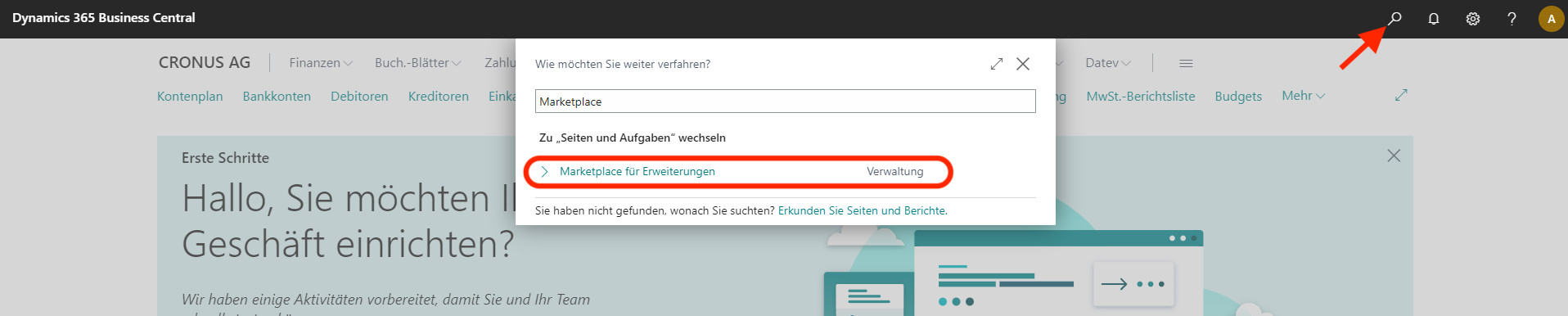
You will now be taken to the AppSource and can be forwarded via the Search function in AppSource for solutions, manufacturers (e.g. brAG, where you can access our add-ons DATEV Interface and ZUGFeRD Interface bump) , etc.
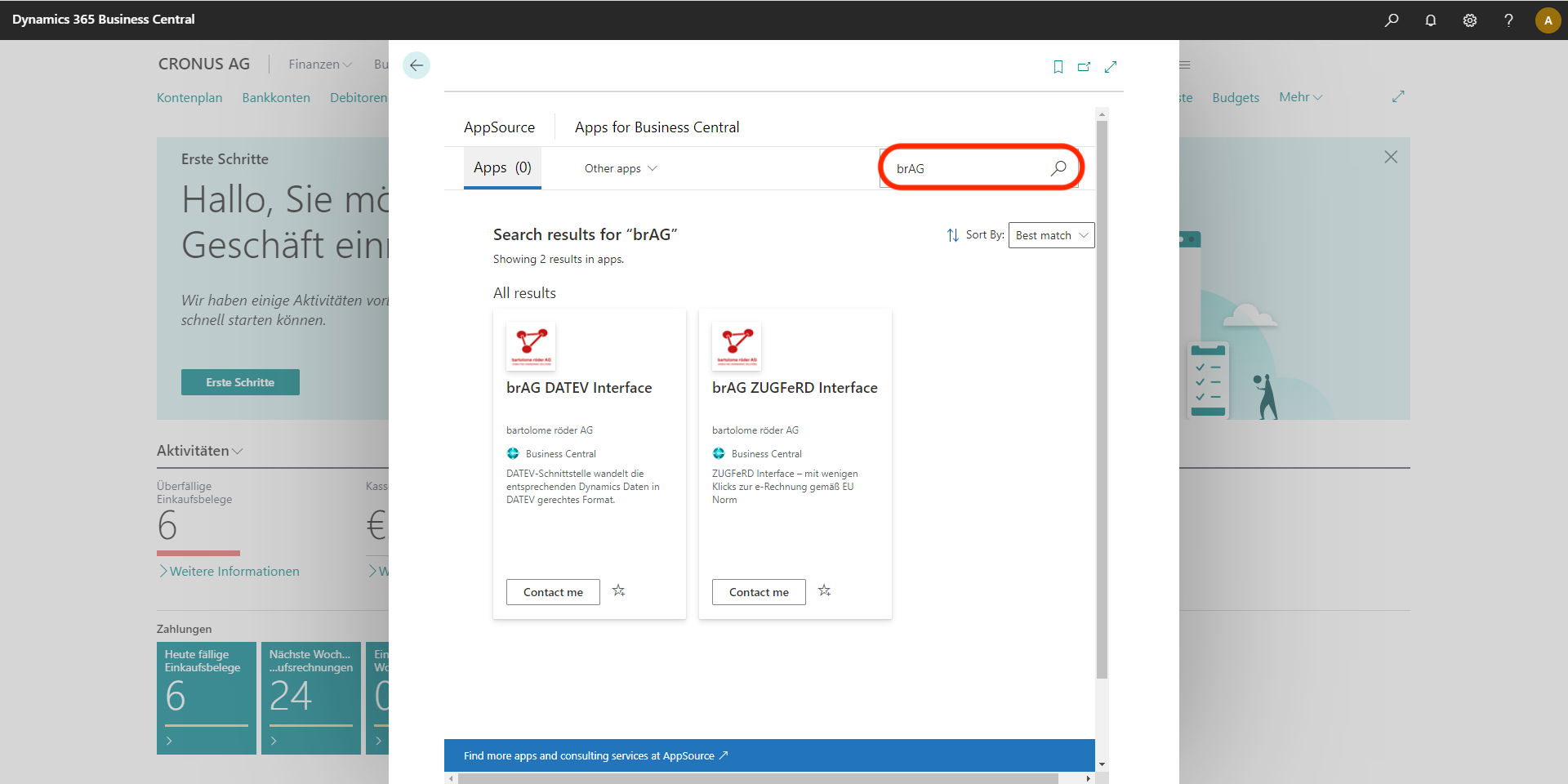
It is advisable to check the requirements (version, country, etc.) before installing and to install a test version first.
If you have decided on an extension, click on Get it now, Free trialor Contact me and follow the further instructions on your screen.
After installing an app, one of the following notifications appears:
"Name of the extension" ... is installed
...cannot be installed
...is already installed
(e.g. if the app is part of the Microsoft standard functionality)
How do I check the extensions already installed on Dynamics Business Central?
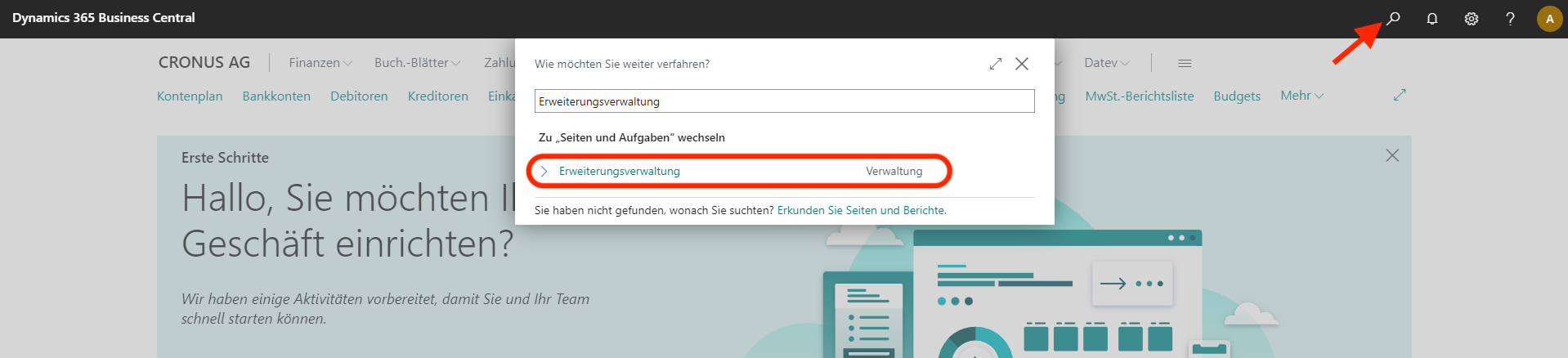
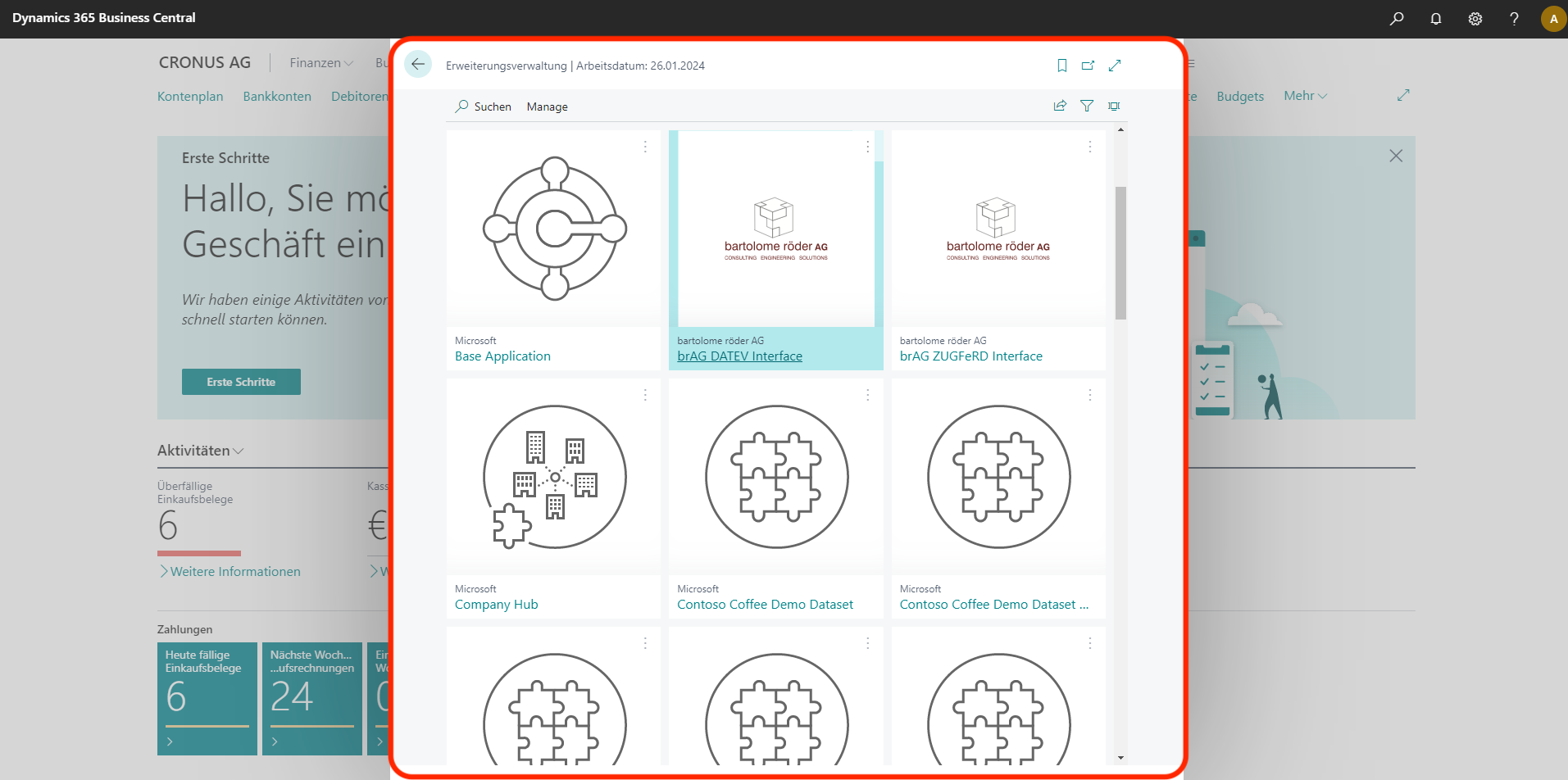
About the Search function and the selection of Extension management you will receive an overview of the applications already installed.
If you have any further questions regarding Dynamics Business Central or our add-ons, please do not hesitate to contact us!
Tel: +49 (89) 21 111 848
E-Mail: vertrieb@br-ag.com