

In today's how-to article, we want to show you how to set up your Dynamics Business Central 365 something more personal by designing your Company logo embed. This is then applied to the Sales invoices pictured.
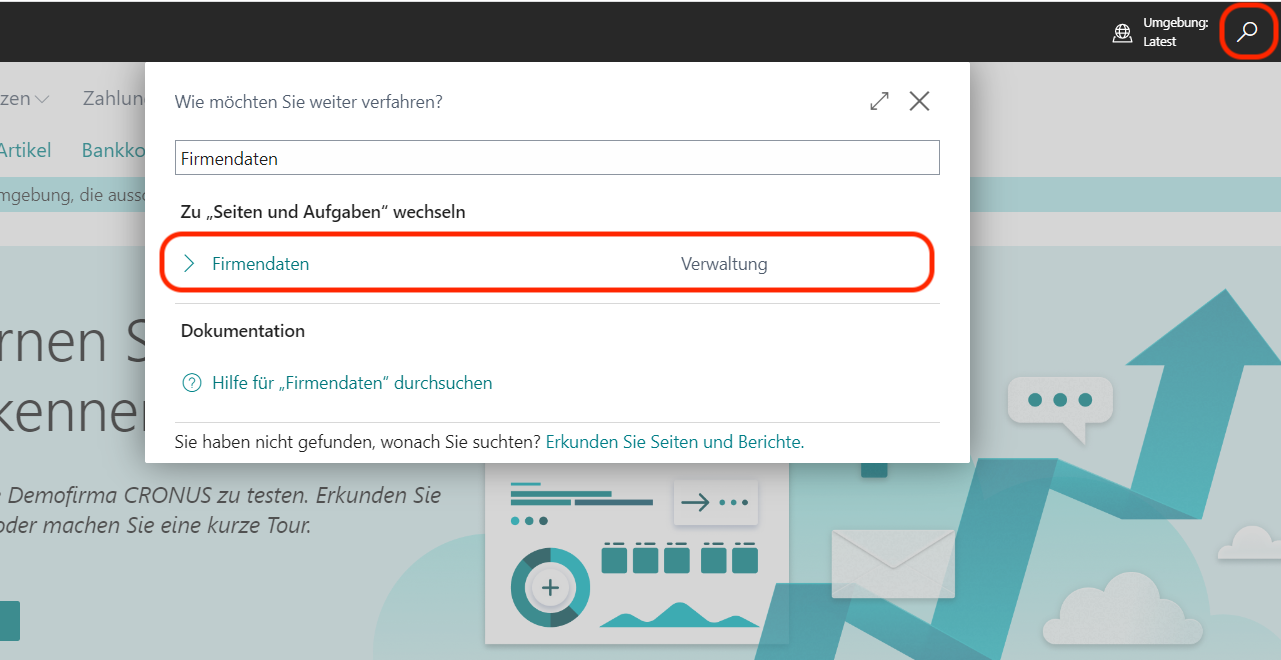
Navigate via the Global search with the keyword 'Company data' in the settings for your company.
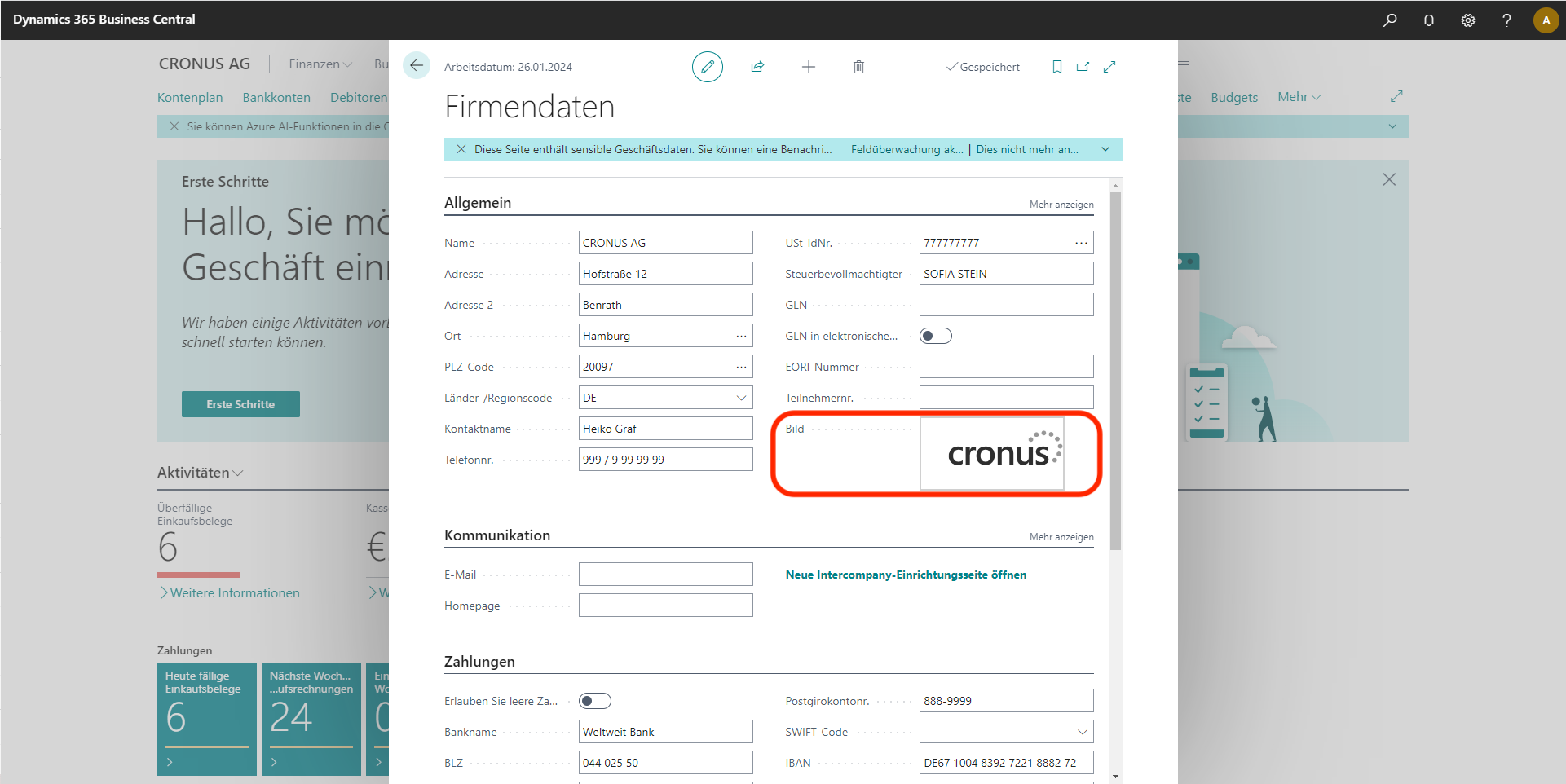
Now click on the Image icon and upload your own company logo.
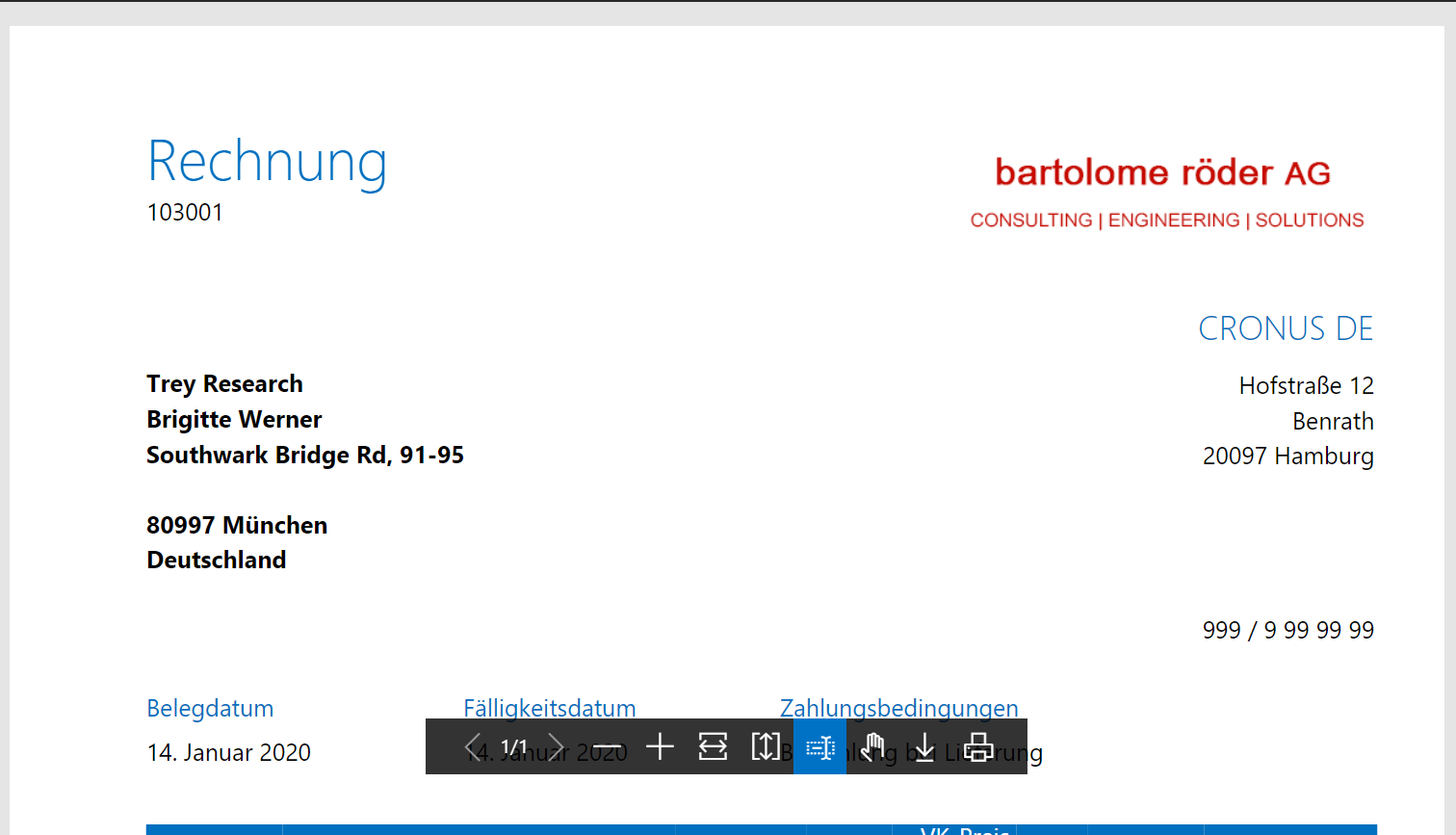
You already have your BC personalized and it will be displayed, for example, on the posted sales invoices.
The best thing to do now is to try itself your company logo in Business Central 365 adapt. Please feel free to contact us if you have any further questions. Questions show up. Tel.: 089 - 211 11 848 or e-mail to vertrieb@br-ag.com.