

To increase user-friendliness, it is advisable in some situations to make a document fillable.
This is possible with the application Adobe Acrobat possible in just a few steps:
1 – Open the document with Adobe Acrobat DC
2 - Click in the Right column (tools) to the Symbol for forms
3 - Now click on Start
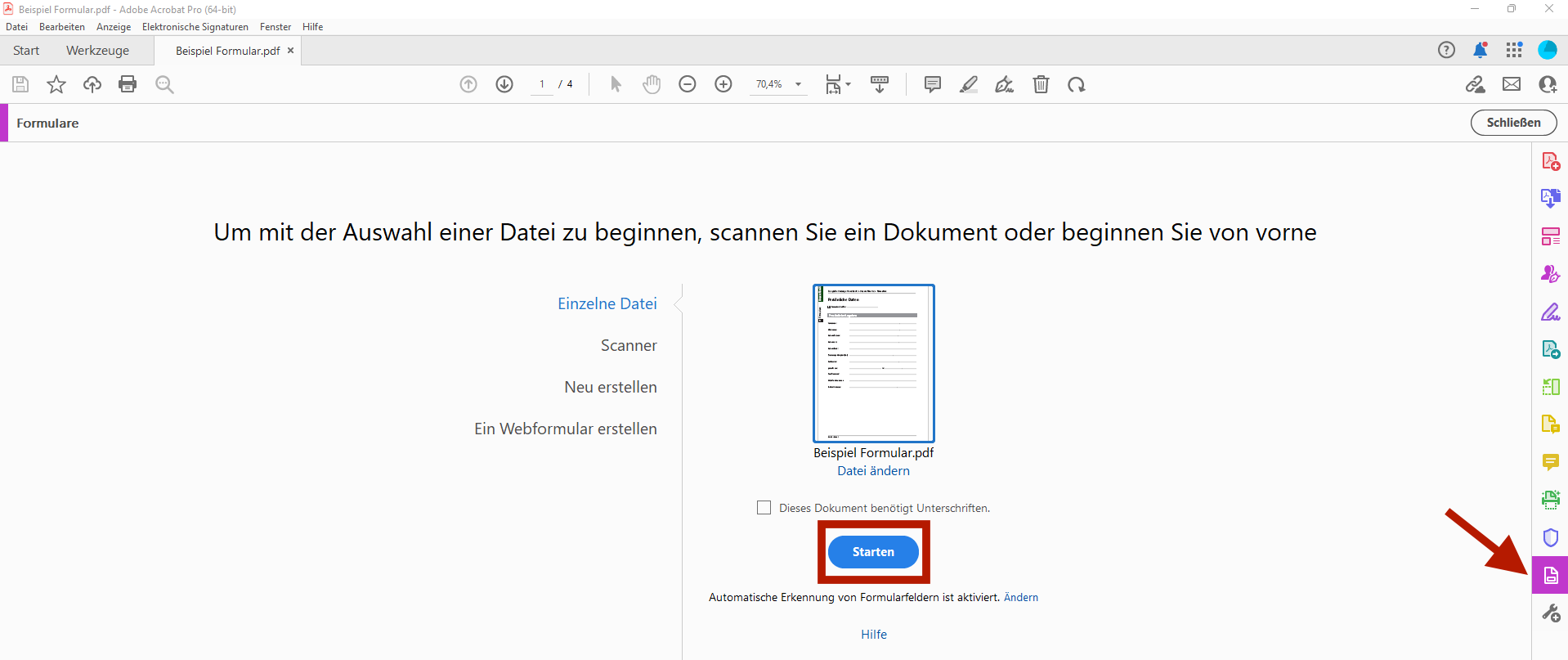
4 - The program now analyzes the document and inserts Automatic form fields a
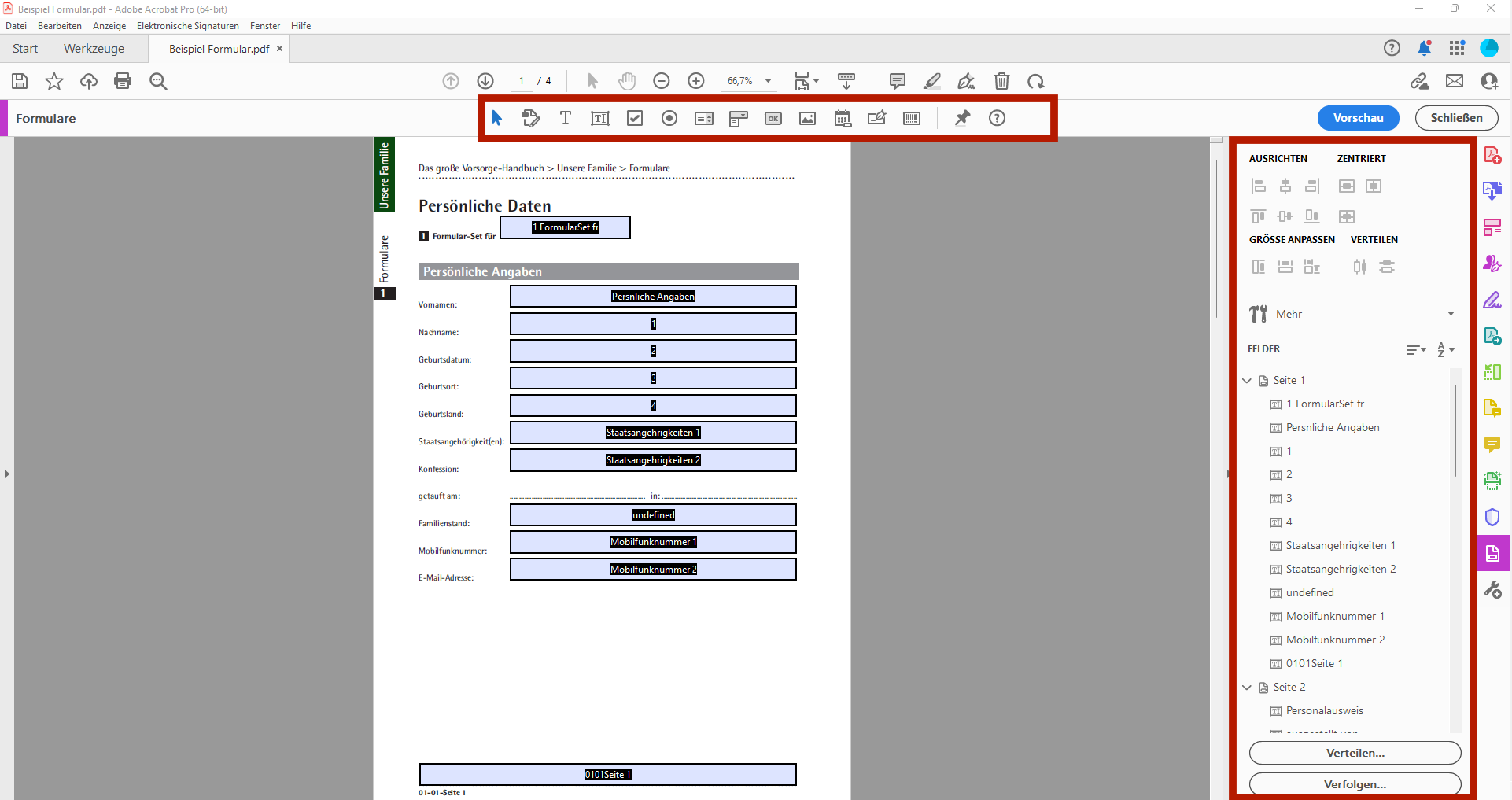
5 - You can now change the proposed layout on the right control panel customize and with the tool list at the top of your screen Add new fields. If you move your mouse over the symbols, the following will appear yellow info box with the respective functions (e.g. the insertion of checkboxes, text fields, etc.).
If you have any further questions, please do not hesitate to contact us!
Tel: +49 (89) 21 111 848
E-Mail: vertrieb@br-ag.com